Countdown Timer
Give launches and promotions a clear deadline, with countdowns that fit your storefront.
Explore Countdown Timer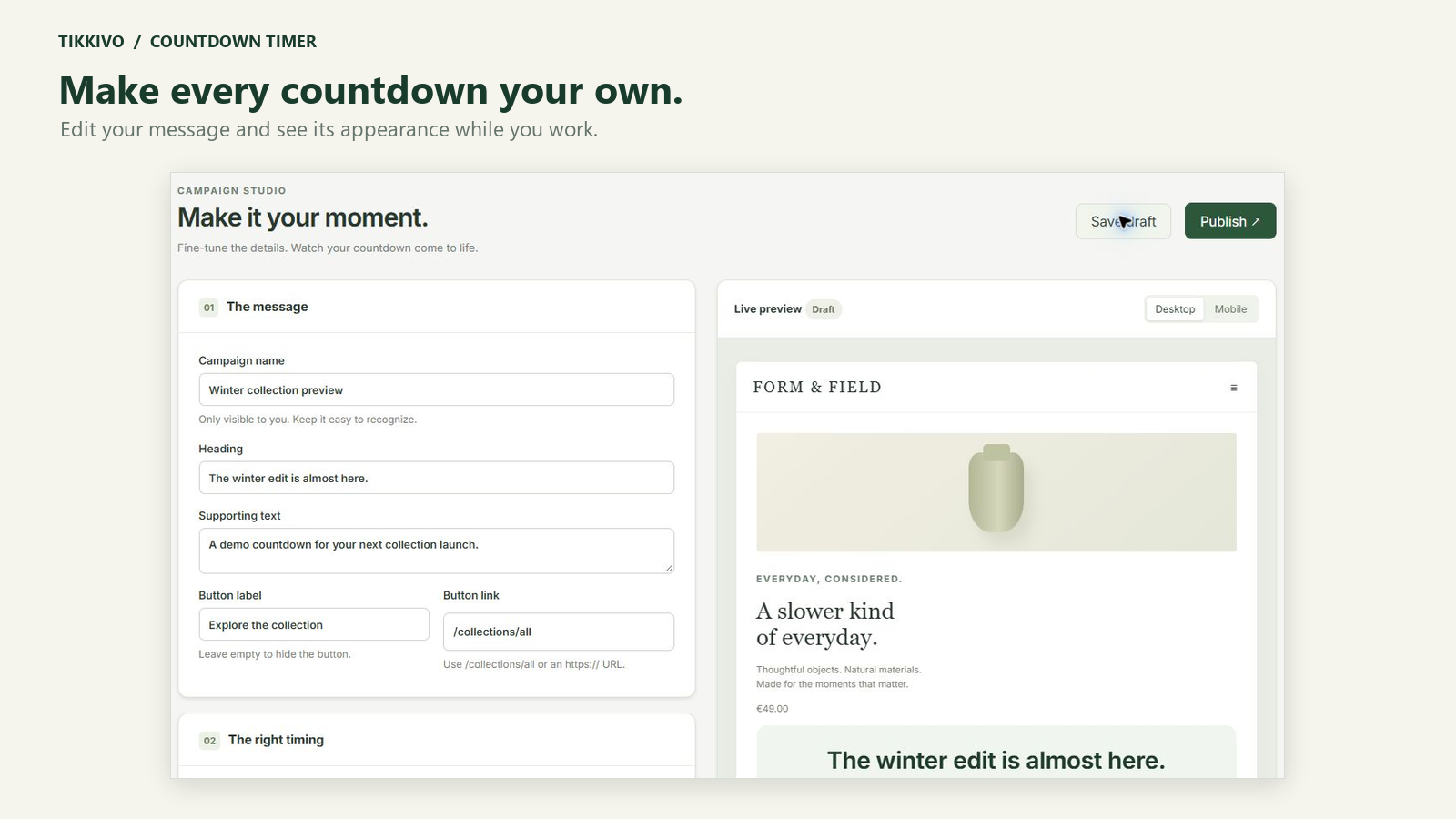
Apps with a clear purpose
Practical Shopify apps for your campaigns, catalog and product feeds. Built to put you in control.

Focused toolsFor specific store tasks.
Clear controlsPreview, choose and verify.
Support that helpsGuidance and a direct contact.
Pick the app for the job. Explore the actual workflows and see where each tool fits your store.
Give launches and promotions a clear deadline, with countdowns that fit your storefront.
Explore Countdown Timer
Bring supplier data into Shopify. Map your fields, review changes and keep track of what was applied.
Explore Catalog Sync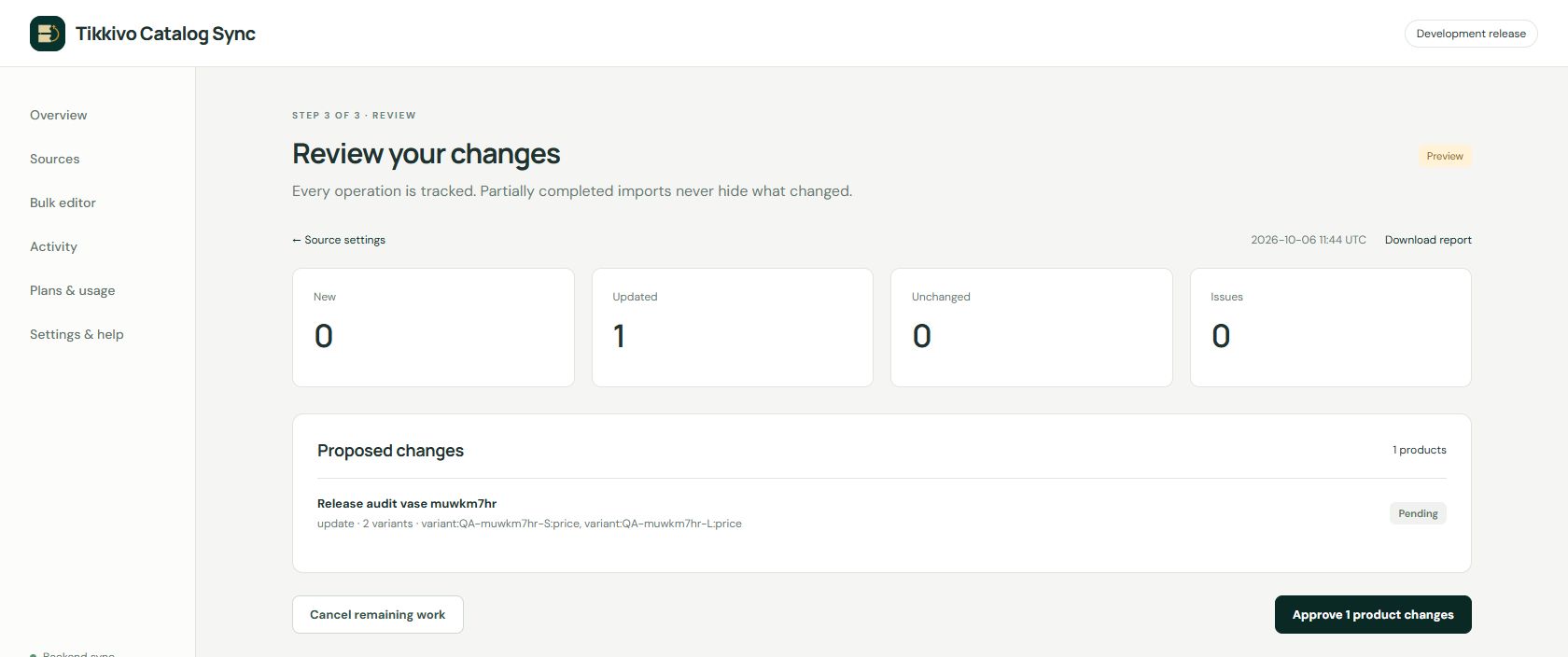
Prepare and validate catalog data, then publish feed files for your shopping and advertising channels.
Explore Product Feeds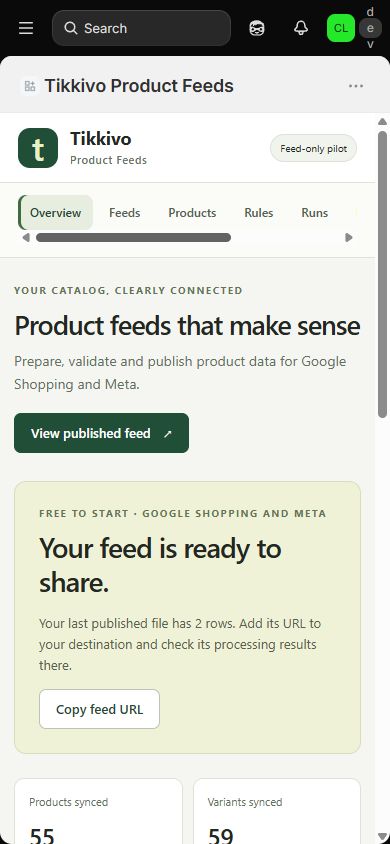
Looking to install? Each app page explains current access. We only link verified public installation destinations.
Useful features with a clear job to do, from displaying a campaign deadline to publishing a product feed.
Use campaign previews, proposed catalog changes and feed validation to check your work before the next action.
Find app-specific setup guidance and troubleshooting in one place. Email us when you need a closer look.
Use Countdown Timer for storefront campaign deadlines, Catalog Sync for supplier imports and product updates, and Product Feeds for publishing catalog files to shopping channels. Each app has its own workflow.
Open its app page to check current access, or contact support. We will add public Shopify App Store installation links when they are verified. A product preview is not a claim of App Store approval.
Yes. The support page includes app-specific guides and troubleshooting. Use the email draft form to describe what you need without sending passwords or customer data.
No. The apps provide tools for specific store tasks. Sales, stock availability and destination approval depend on your store, settings and the services you use.