Connect a source
Upload your supplier file or connect a supported remote source. Start with a small, representative sample.

Catalog Sync
Import supplier products and review updates before applying them. Keep control of your catalog data.
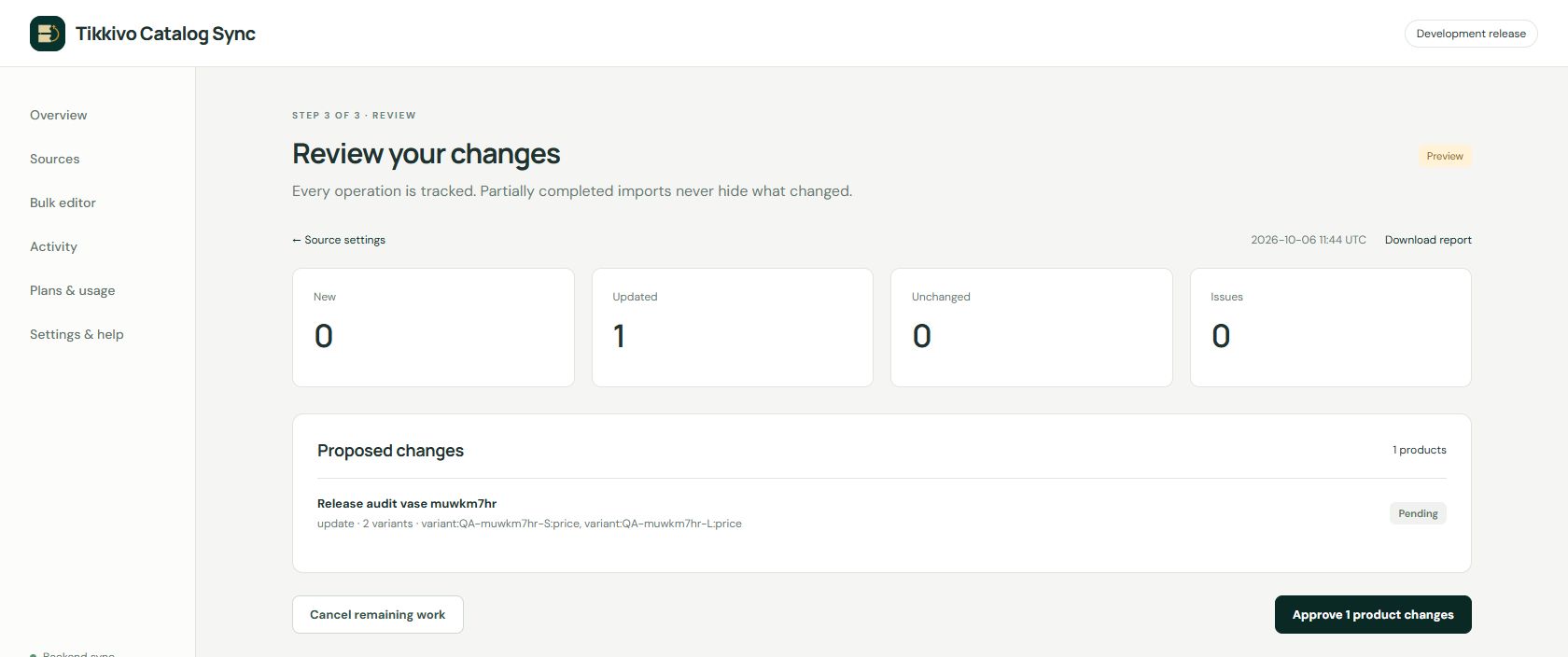
Connect your supplier data, reuse a mapping and inspect proposed changes. Download operation reports to see what happened.
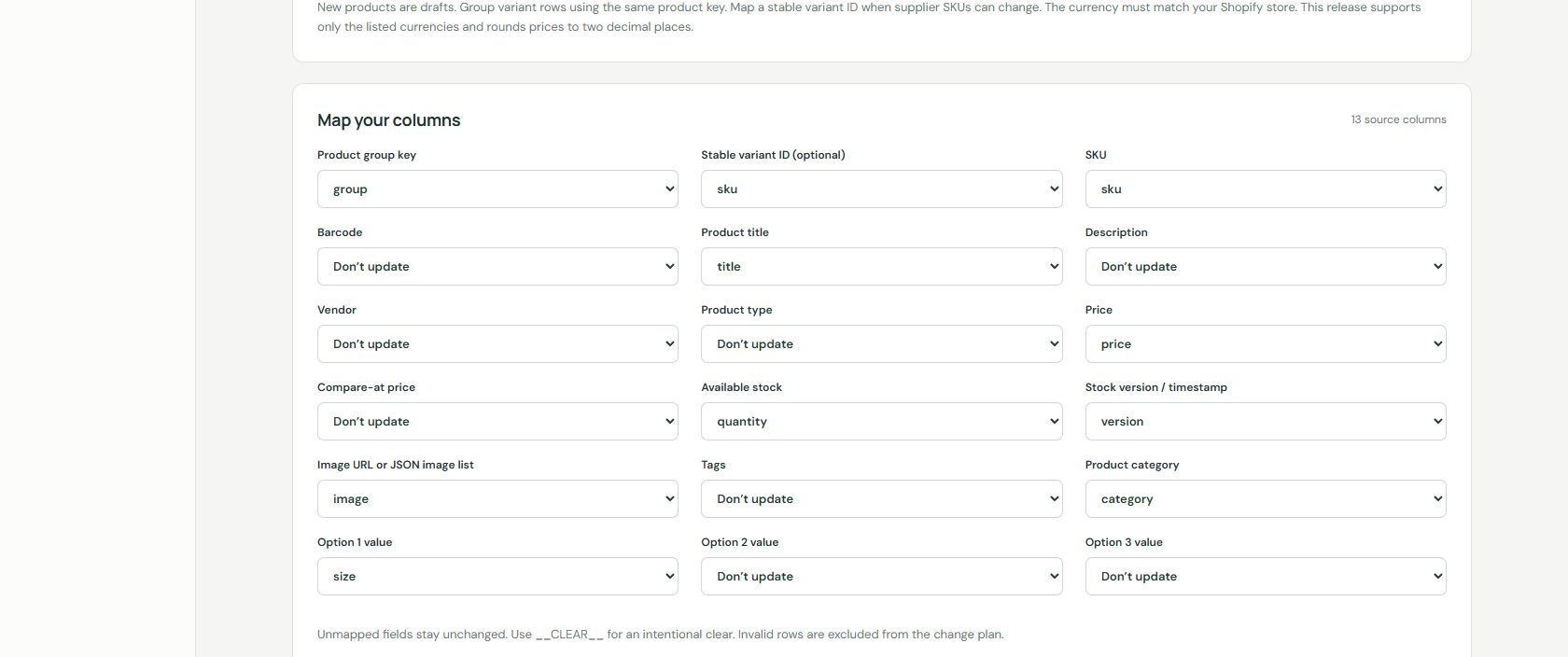
Actual app screenshots using development-store content.
Upload your supplier file or connect a supported remote source. Start with a small, representative sample.
Choose matching keys and map only the fields you want to change. Inspect the preview and resolve issues.
Apply the reviewed update, then check operation results and the affected products in Shopify.
Scheduled updates depend on supplier access and Shopify limits. Inventory ownership and location settings matter. Catalog Sync does not promise real-time stock or prevent all overselling.
Ask us about current installation availability. A public Shopify App Store installation link will be added when verified.
Review the privacy and terms shown by the specific app before installation. The footer legal documents apply to Product Feeds, not automatically to every Tikkivo app.