Create your campaign
Write your message, choose a schedule and select the products or pages where it belongs.
Countdown Timer
Create, style and schedule countdowns for your Shopify storefront. Preview your campaign before you publish.
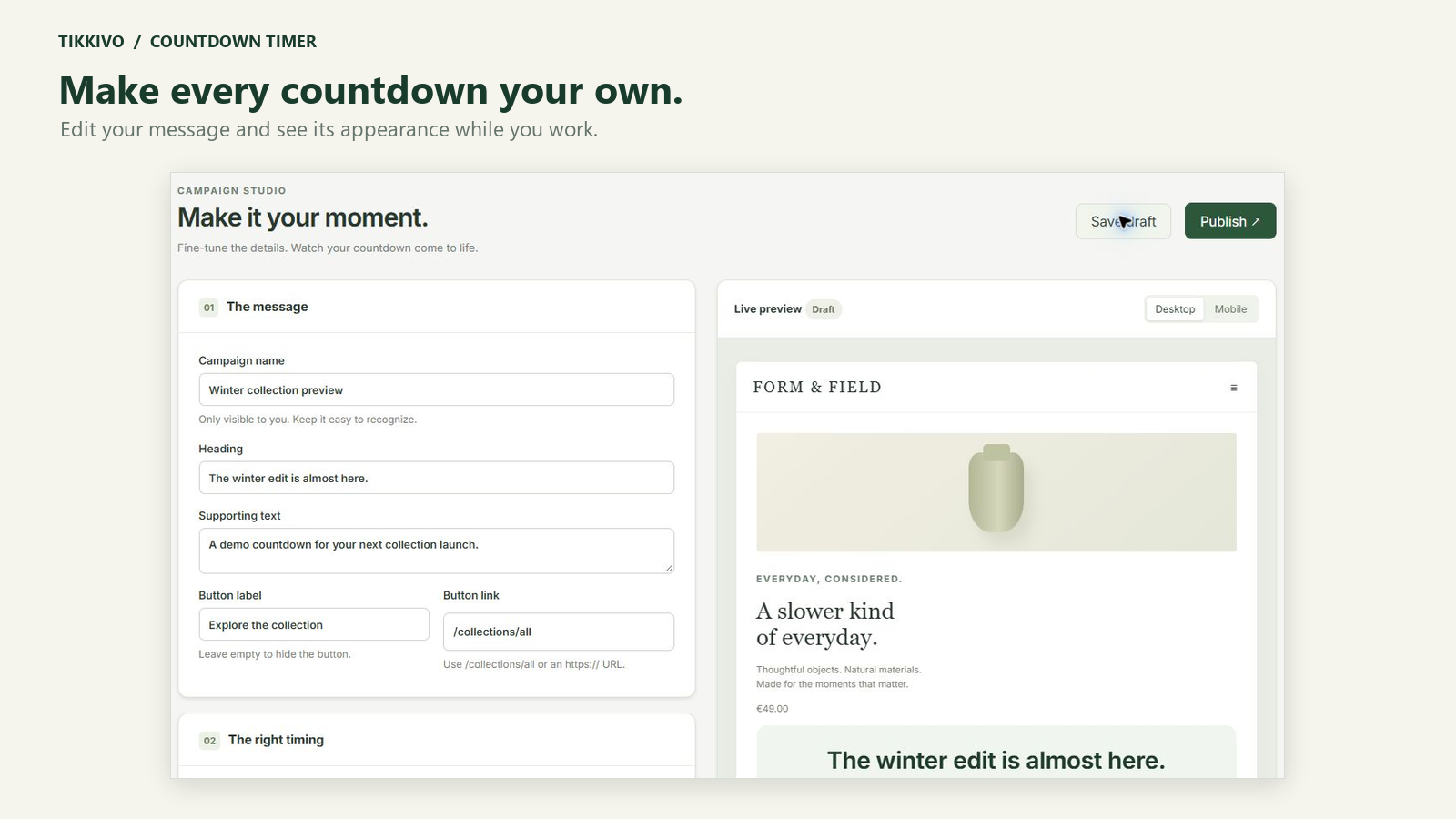
Choose how your timer looks, where it appears and when it runs. Keep the message consistent with your brand.
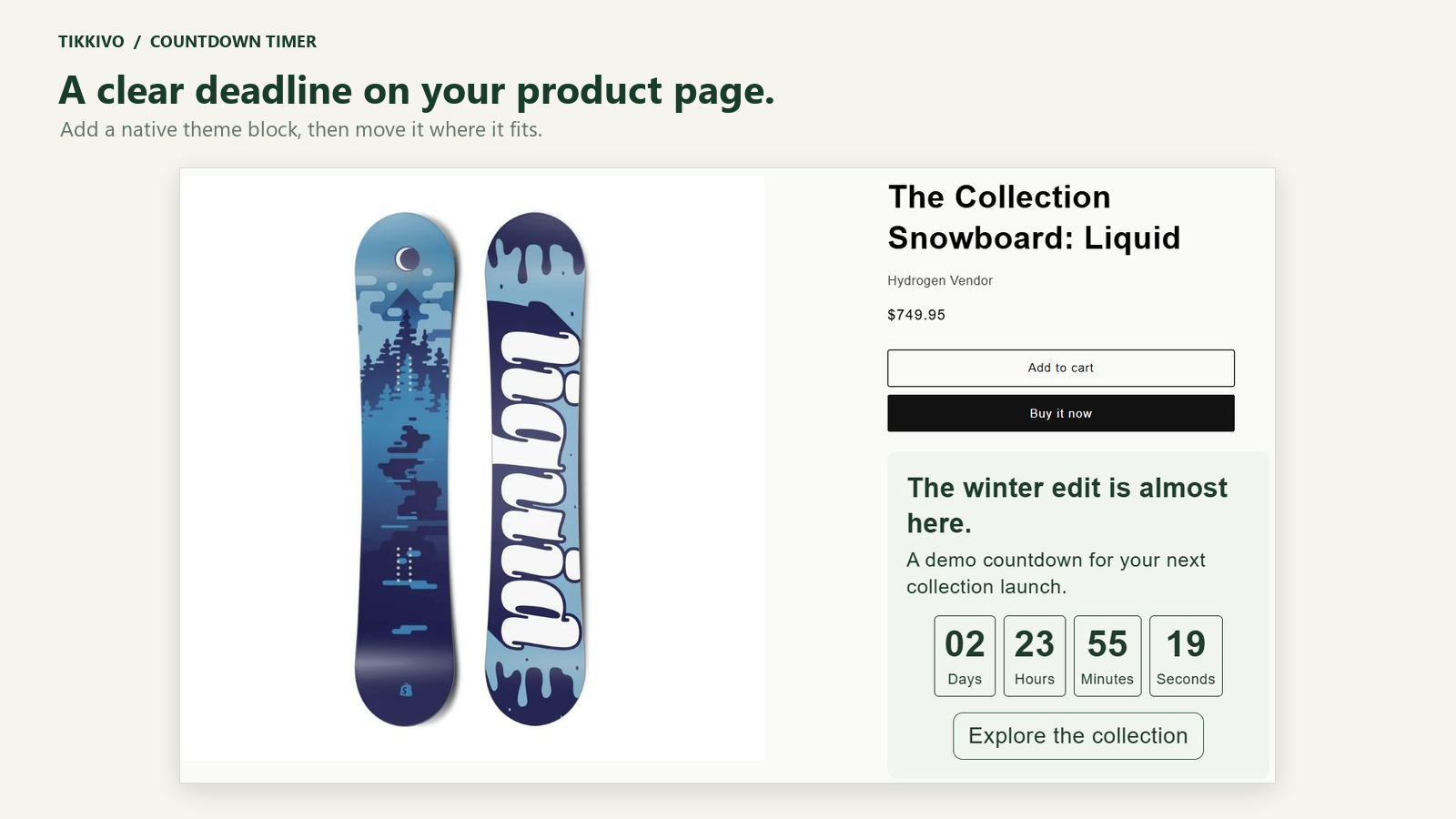
Actual app screenshots using development-store content.
Write your message, choose a schedule and select the products or pages where it belongs.
Check colors, labels, placement and the mobile view before publishing your countdown.
Add the app block or enable the bar embed in your theme, then save and check the live page.
Countdowns are display components. Set up discounts separately in Shopify. Timers do not reserve stock or enforce checkout deadlines.
Ask us about current installation availability. A public Shopify App Store installation link will be added when verified.
Review the privacy and terms shown by the specific app before installation. The footer legal documents apply to Product Feeds, not automatically to every Tikkivo app.