Sync your catalog
Wait for a completed catalog run, then choose a feed format, country and language.
Product Feeds
Create, validate and publish Shopify product feeds. Understand your data before sending it to a channel.
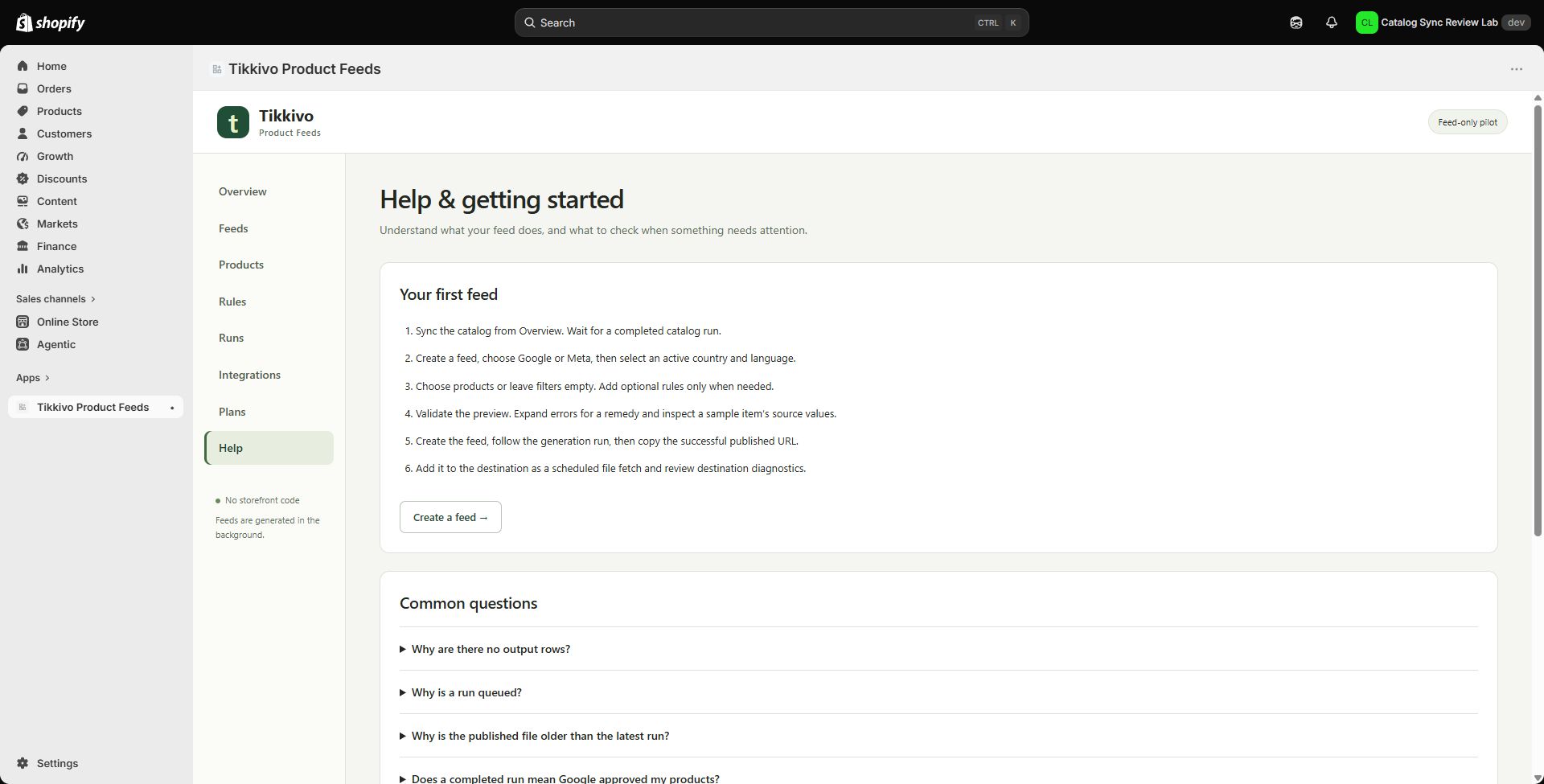
Choose a destination, country and language. Review validation messages and publish a feed your destination can fetch.
Actual app screenshots using development-store content.
Wait for a completed catalog run, then choose a feed format, country and language.
Review included items and resolve missing or invalid values before generating the file.
Copy the successful published URL into your destination as a scheduled file fetch, then check its diagnostics.
A generated file is not destination approval. Channel policies, fetching, processing, shipping settings and landing pages must be configured separately.
Product Feeds is a development-store pilot. Contact us to discuss access and whether the pilot fits your store.
Review the privacy and terms shown by the specific app before installation. The footer legal documents apply to Product Feeds, not automatically to every Tikkivo app.